Create the artwork and prepare the file for production in seconds, in the same program.
Less time preparing files. More time creating and earning.
For designers, custom products, shirt makers and print shops: create, prepare the file, print and cut in the same program.
Annual plan US$ 199 (online + Windows) or monthly US$ 19.90 (online), with 7 days to request a refund.
Who it is for
Which one are you?
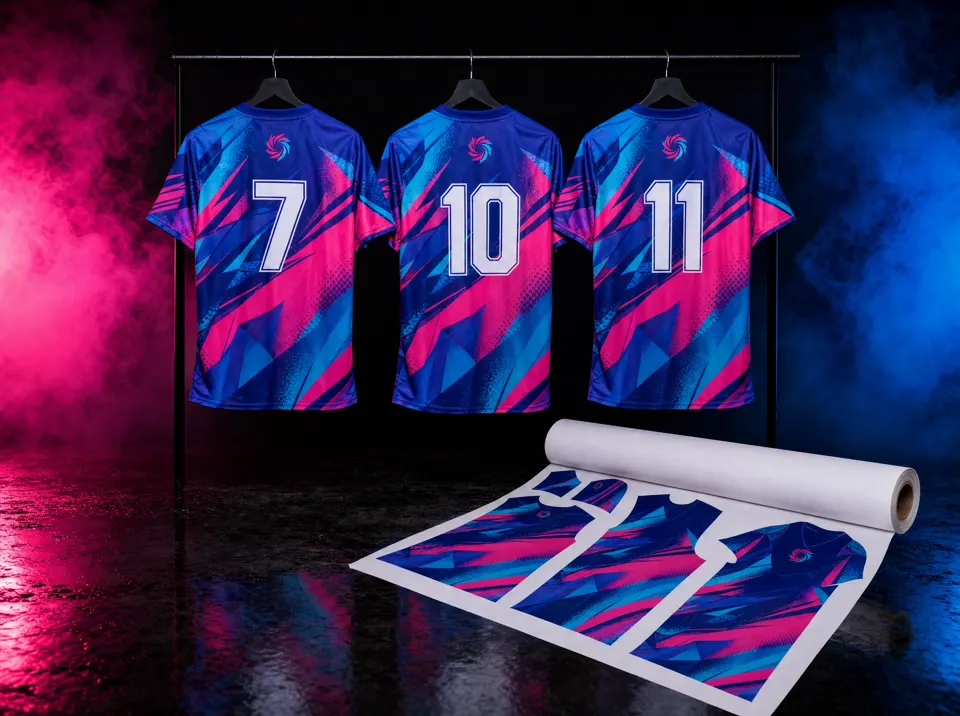 Shirt makersHours building the size chart with each player's name, number and size.The customer fills in a link and Studio builds the chart.See how it works →
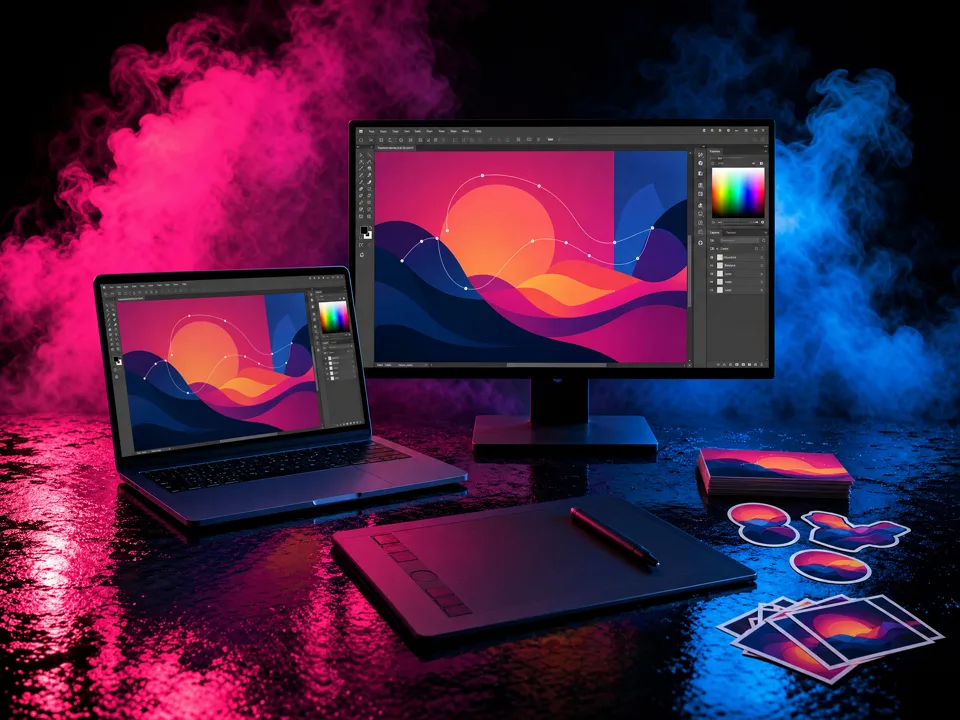 DesignersYou need professional software, but the editing suite is too expensive.A complete vector editor with AI images, in the browser or on Windows.See how it works →
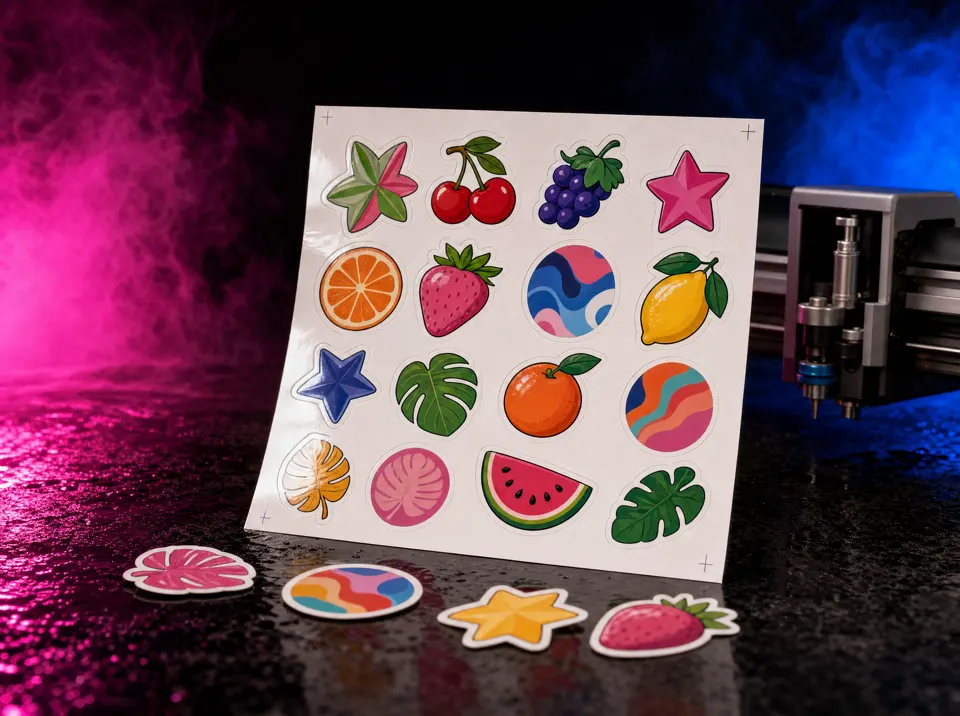 Custom products and stickersPreparing sticker, label and gift files takes the whole day.Layout, cut line and PLT ready in seconds.See how it works →
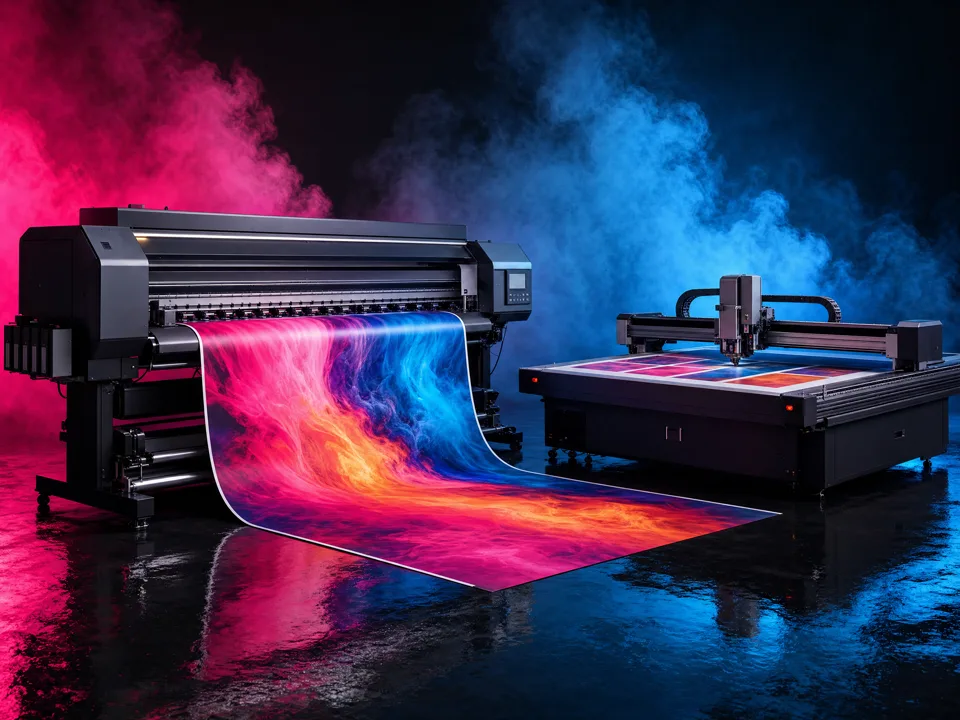 Print and sign shopsOne program to create, another to prepare and another to print.Edit, prepare, print on the plotter and cut, in one workflow.See how it works →
Shirt makers
Shirt size charts with names and numbers, without hours at the computer.
No more typing name after name and switching size after size.
Team order
- NameNo.Size
- LUCAS10G
- ANA7P
- RAFA11M
- BETO9GG
Sublimation roll
- 10LUCASG
- 7ANAP
- 11RAFAM
- 9BETOGG
- You create the order link
- The customer fills it in on the phone
- They check the preview and approve
- Studio lays out the chart on the roll
Before
- Name by name, number by number
- Size by size, piece by piece
- Checking everything again before printing
With Studio
- The customer types on the phone
- You check and approve
- The chart comes out laid out on the roll
- Shirt templates for all-over sublimation
- Design grading across sizes
- 71 mockups to show the customer
Designers
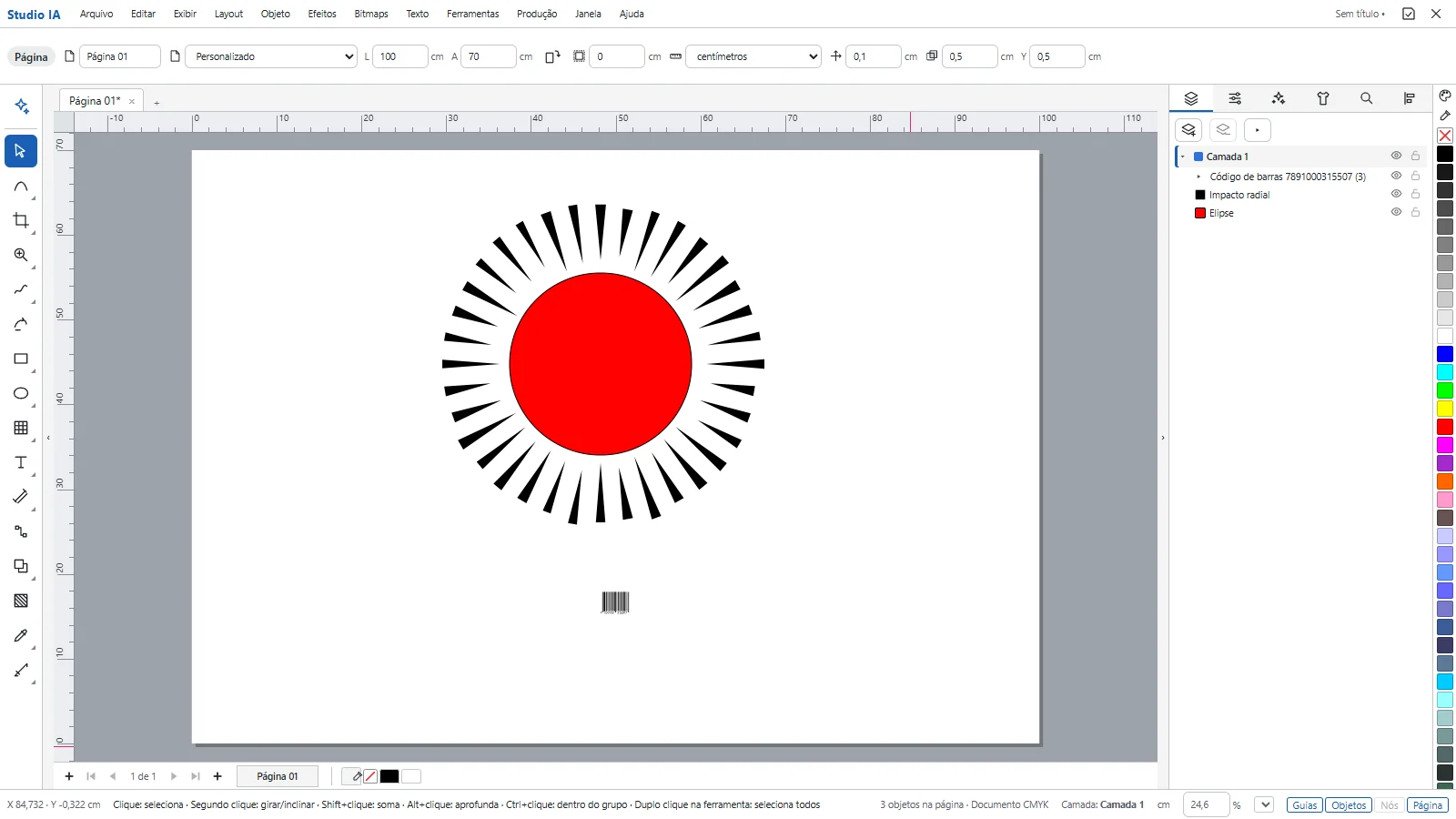
Professional design software, without paying a fortune.
Everything to create the artwork and deliver the right file to the print shop.
Custom products and stickers
From the customer's file to the laid out sheet, with the cut line, in seconds.

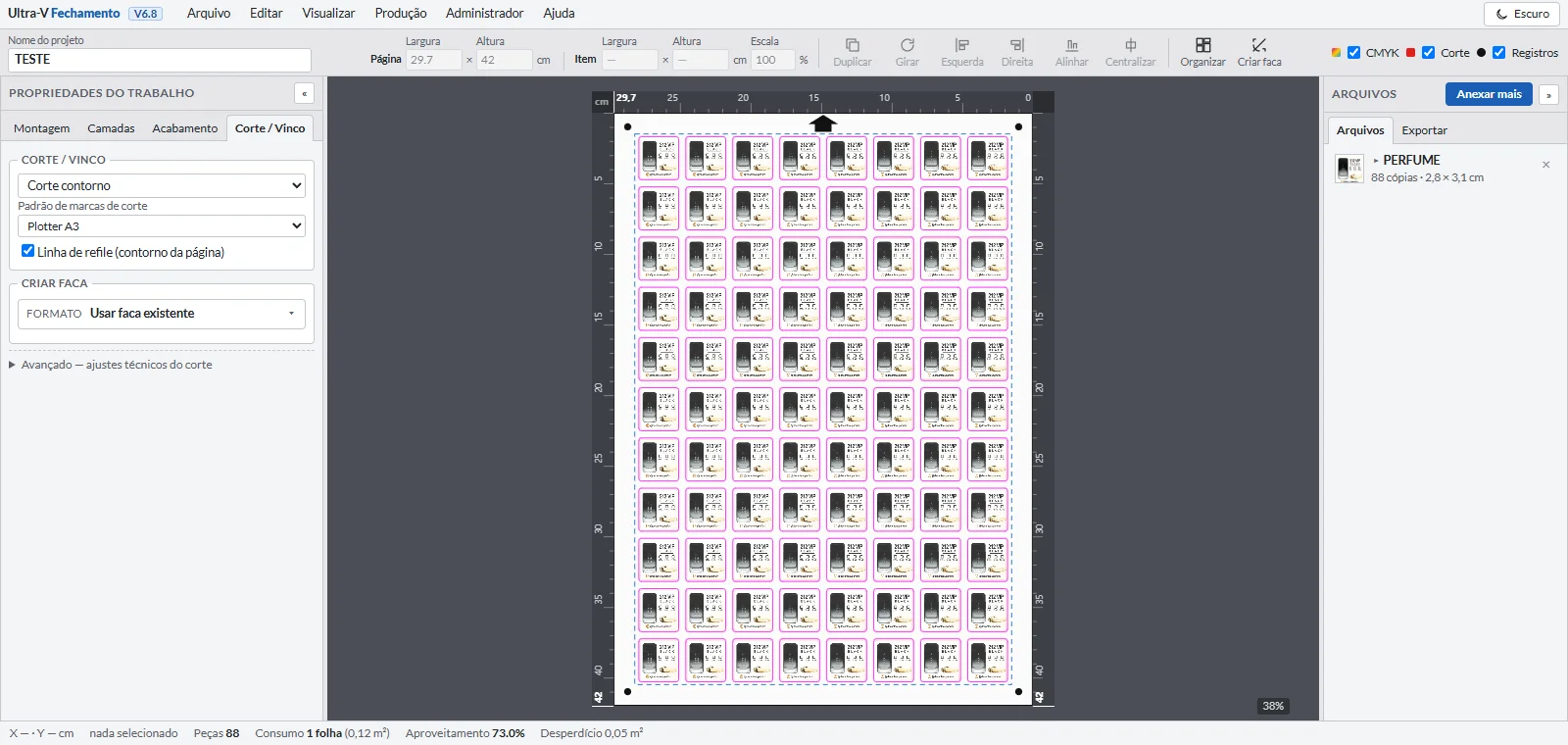
- 1,000labels laid out in 1 second
- 99.6%media usage
- PLTwith registration marks for the plotter
Medium and large companies
Edit, prepare the file, print and cut. Everything connects.
- 1CreateArtwork and editing
- 2
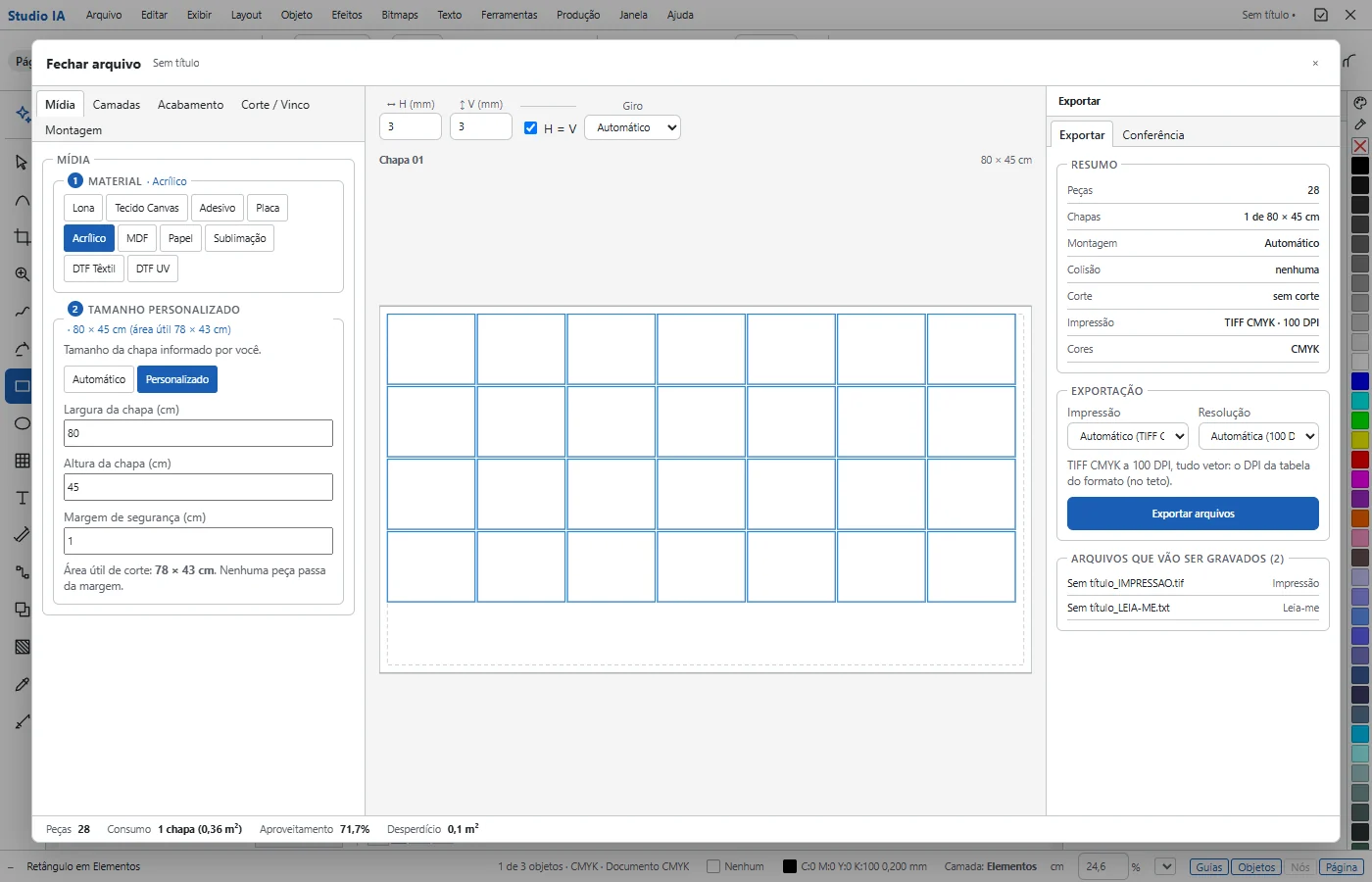 PrepareLayout, cut line, white and varnish
- 3
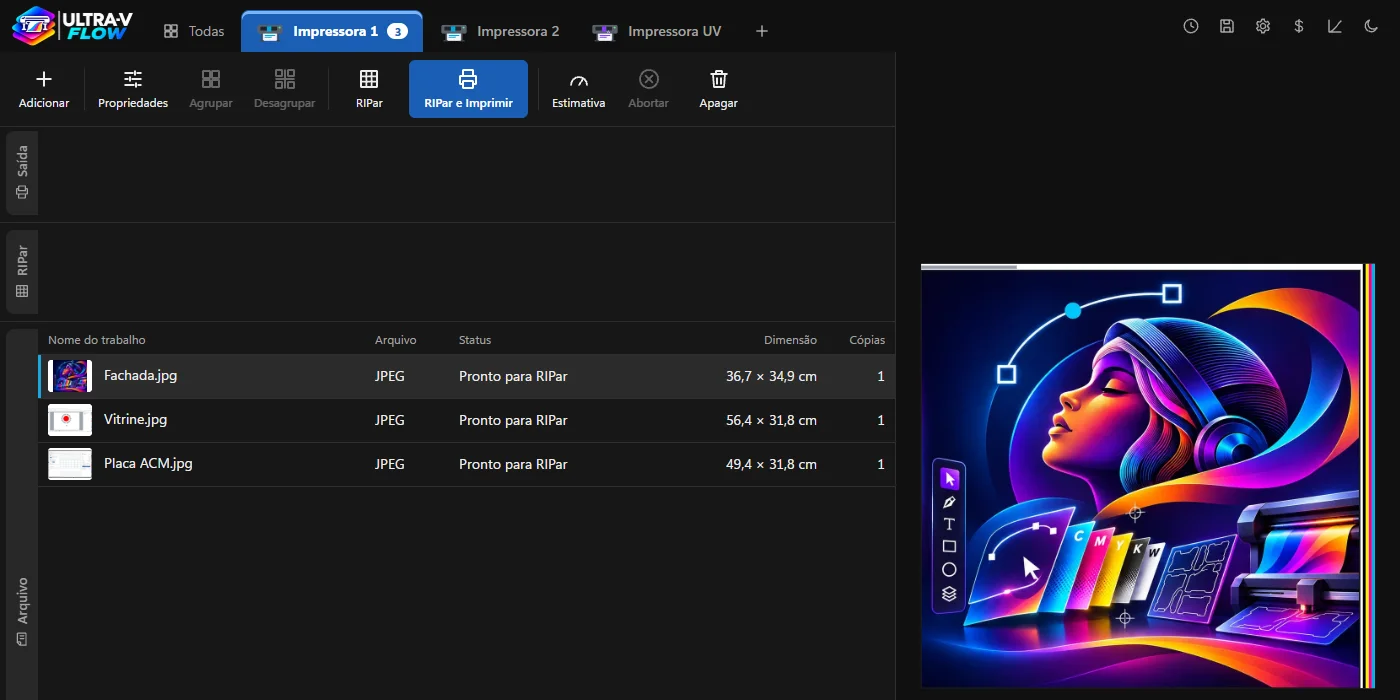 PrintRIP with profile, one queue per printer
- 4
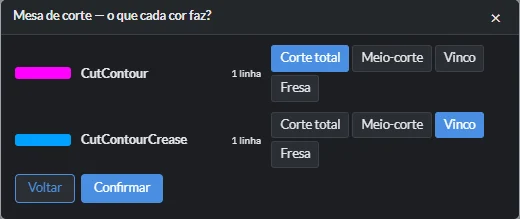 CutPlotter, cutting table and laser
- Cutting table (Zünd)
- Jinka Cut
- SignMaster
- Laser table with camera
- Router in PLT
- RIP with white and varnish
Who uses it
Contour cutters with optical reading, cutting right with Ultra-V Studio.
The file preparation inside Ultra-V Studio creates the registration marks and the cut file in the format the cutter reads. See it in customers' production:
“Aligned cut, everything just right.”Anderson · Toque Art, Maringá, Brazil
Jinka vinyl cutter and Mimaki UV printer
Now the A3 cutter cuts right.
Real case · support inside the programthe cutter could not read the file; through support, we started generating its format
Plans
Choose your plan
Ultra-V Studio
or US$ 162 per year paid upfront (20% off)
- Ultra-V Studio: artwork creation and editing, with ready templates and AI images
- Browser and Windows program for each program (1 computer)
- All updates during the period
- Support inside the program
Ultra-V Prepress
or US$ 258 per year paid upfront (20% off)
- Ultra-V Prepress: file preparation for cutting plotters with registration marks, cut lines, layout and machine files
- Browser and Windows program for each program (1 computer)
- All updates during the period
- Support inside the program
Ultra-V Flow
or US$ 354 per year paid upfront (20% off)
- Ultra-V Flow: print manager, with your profiles
- Browser and Windows program for each program (1 computer)
- All updates during the period
- Support inside the program
Combo Studio + Prepress
or US$ 354 per year paid upfront (20% off)
- Ultra-V Studio: artwork creation and editing, with ready templates and AI images
- Ultra-V Prepress: file preparation for cutting plotters with registration marks, cut lines, layout and machine files
- Browser and Windows program for each program (1 computer)
- All updates during the period
- Support inside the program
Combo Prepress + Flow
or US$ 508 per year paid upfront (20% off)
- Ultra-V Prepress: file preparation for cutting plotters with registration marks, cut lines, layout and machine files
- Ultra-V Flow: print manager, with your profiles
- Browser and Windows program for each program (1 computer)
- All updates during the period
- Support inside the program
Combo Studio + Prepress + Flow
or US$ 604 per year paid upfront (20% off)
- Ultra-V Studio: artwork creation and editing, with ready templates and AI images
- Ultra-V Prepress: file preparation for cutting plotters with registration marks, cut lines, layout and machine files
- Ultra-V Flow: print manager, with your profiles
- Browser and Windows program for each program (1 computer)
- All updates during the period
- Support inside the program
Each plan includes the previous one: Prepress comes with Studio, and Flow comes with Studio and Prepress.
AI image actions use credits, bought separately inside the program; new accounts get welcome credits. You have 7 days to request a refund through Hotmart.
Questions
Frequently asked questions about Ultra-V Studio
What is Ultra-V Studio?
Ultra-V Studio is a vector graphic design program with AI images and print file preparation built in. You create the artwork and, in the same program, nest the copies, add the cut line, white and varnish, and save the files for the printer, vinyl cutter or laser table. It runs in the browser and on Windows.
I am a designer and send artwork to a print shop. Is Ultra-V Studio for me?
Yes. Ultra-V Studio has the tools of a graphic editor plus a print file preparation module. Before you send it, it checks page and image size, colors, print layers and the cut line, and saves the PDF the way the print shop prints it. So you can be sure the artwork will be printed exactly as your file.
How does the customer send the list of names and sizes for the shirts?
Through the customer link. In the shirt template, Ultra-V Studio generates a link; the customer opens it on their phone, fills in size, name, number and quantity for each shirt, sees the preview with the artwork, checks and approves. The approved list arrives in the program and becomes the grid ready to print and cut.
Which files does Ultra-V Studio open?
Ultra-V Studio opens CDR (versões X4 a 2023), AI, PDF, SVG, DXF, PLT/HPGL, EMF, WMF, DWF, and each file becomes an editable document. For production, it saves PDF, TIFF, JPG, PNG, PLT, SVG, DXF.
Does Ultra-V Studio mix RGB and CMYK in the same file?
No. The Color settings rule the whole document: in CMYK, everything stays and exports in CMYK; in RGB, everything stays and exports in RGB. To switch, change the settings and Ultra-V Studio converts the document. Files that arrive in the other standard are converted automatically, with a notice, and the cut line, white and varnish stay as separations.
Which machines does Ultra-V Studio prepare files for?
Printers with a RIP (with white and varnish as spot colors), vinyl cutters such as SignMaster and Jinka Cut, cutting tables such as Zünd, laser tables with a camera and routers that read PLT. The cut line comes out as a spot color with the name the RIP recognizes.
Does it run on Windows or only in the browser?
Both. The annual plan includes 1 installation of the Windows 10 and 11 program and 1 online access. Need more? Each additional computer (1 Windows + 1 online) costs US$ 53 per year. The monthly plan is online, in the browser, with 1 access.
How much does Ultra-V Studio cost?
The annual plan is US$ 199 per year and includes the Windows program. The monthly plan is US$ 19.90 per month, with no commitment. Payment is made through Hotmart, the subscription renews until you cancel, and you have 7 days to request a refund. AI image actions use credits bought separately.
Which fonts does Ultra-V Studio use?
The fonts installed on your computer. On Windows, the program reads the system fonts; in the browser, it asks permission to use your computer's fonts.
I already used the online file preparation. What changes?
File preparation now lives inside Ultra-V Studio, in the Production menu. Sign in with the same email and password and keep your plan.