Create the artwork and prepare the file for production in seconds, in the same program.
Less time preparing files. More time creating and earning.
Anyone who works in graphic design knows: finishing the artwork does not mean finishing the job. Adjusting bleeds, creating cut lines, organizing pieces, setting up layers, checking sizes and preparing files for production can take hours of your day. Ultra-V Studio was built to change that routine.
Trial with sign-up, no card required. Annual plan R$ 497 (online + Windows) or monthly R$ 49,90 (online), with Ultra-V Studio included.
4.8 on Google · print shop since 1997 · used in our own production
From creating to producing
Which of these jobs takes most of your time?
Ultra-V Studio does not just help you create. It also makes the path from creation to production easier. Tap the job that is your routine:
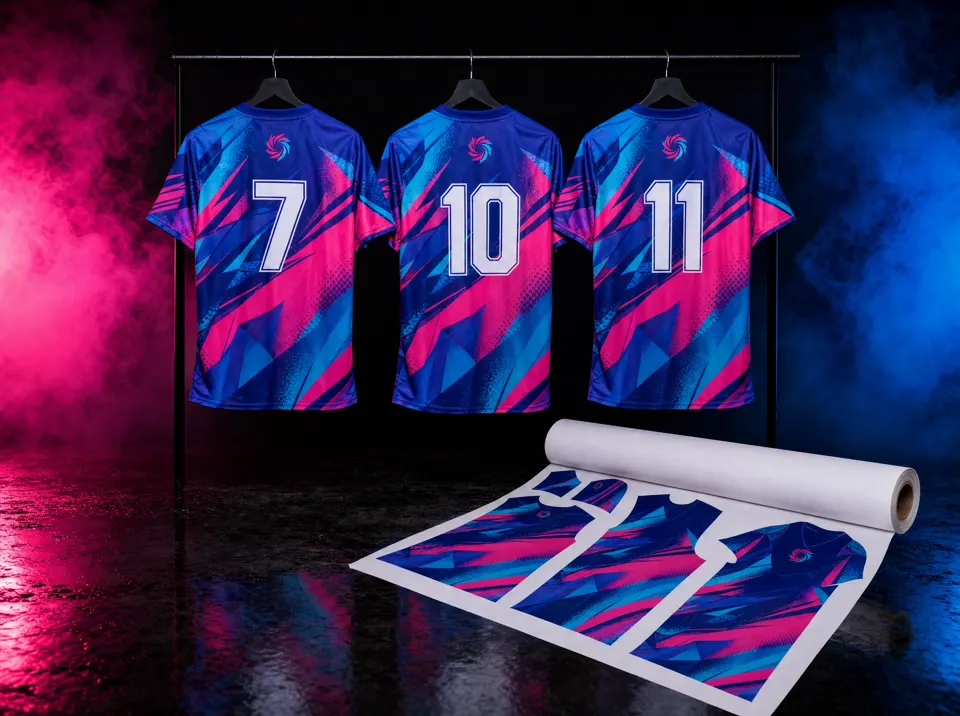
Full sublimation
The difficulty
Dozens of sizes, names, numbers and pieces to organize, and a list that changes with every customer message.
With Ultra-V Studio
The shirt template puts each piece in the right size; the customer fills in names and numbers through the link, approves, and Ultra-V Studio nests the grid on the roll to print.
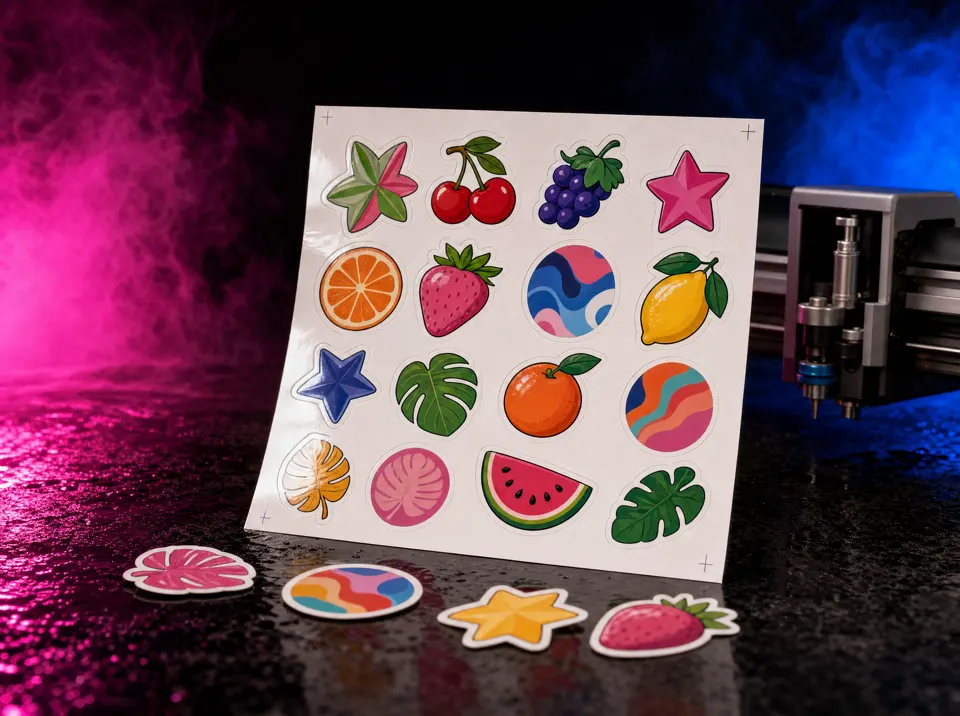
Contour-cut stickers
The difficulty
Creating the contour of each sticker, the cut line and nesting everything on the sheet takes time, and any offset ruins the cut.
With Ultra-V Studio
The contour cut comes out with one command, sticker sheets are nested by themselves and the cut file goes with the registration marks the cutter reads.
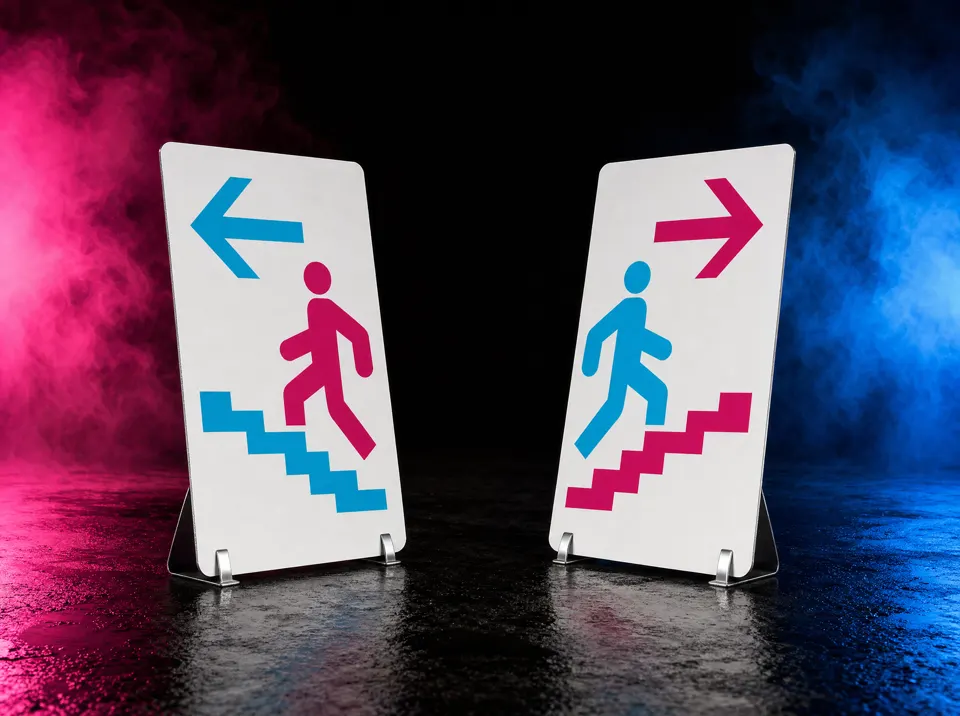
Double-sided signs
The difficulty
Positioning front and back, aligning and flipping the artwork the right way is where most mistakes happen.
With Ultra-V Studio
You see front and back side by side, with the flip simulation, and the file comes out aligned to print on both sides.
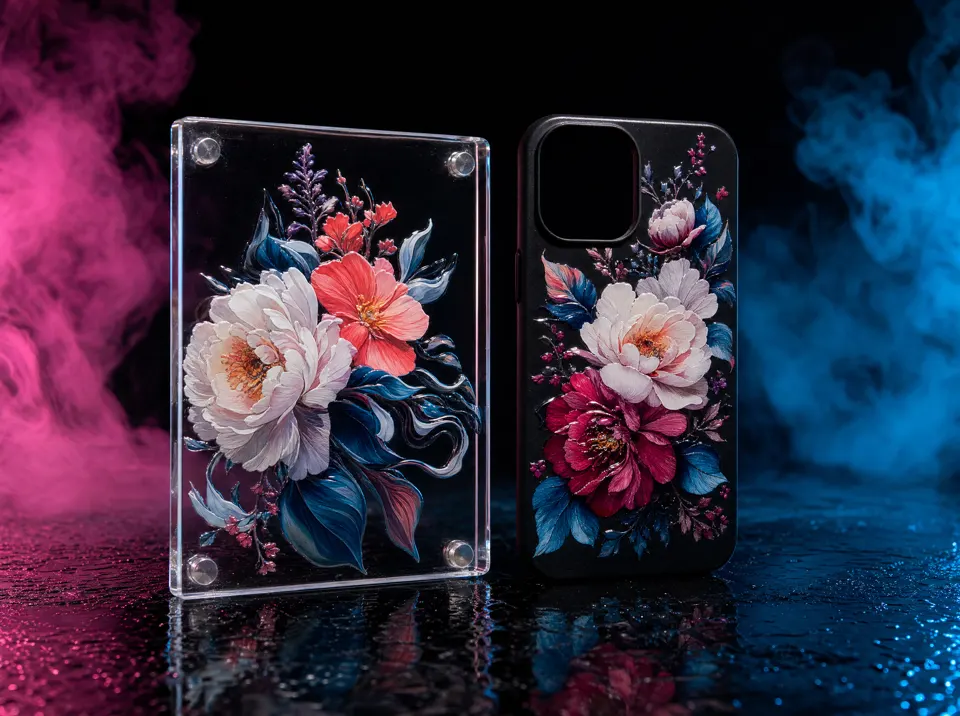
UV printing with white and varnish
The difficulty
Building the white and varnish layers by hand, with the exact name the RIP expects, takes time and causes errors.
With Ultra-V Studio
White behind or in front and varnish come out as spot colors, each on its own layer, with the name the RIP recognizes.
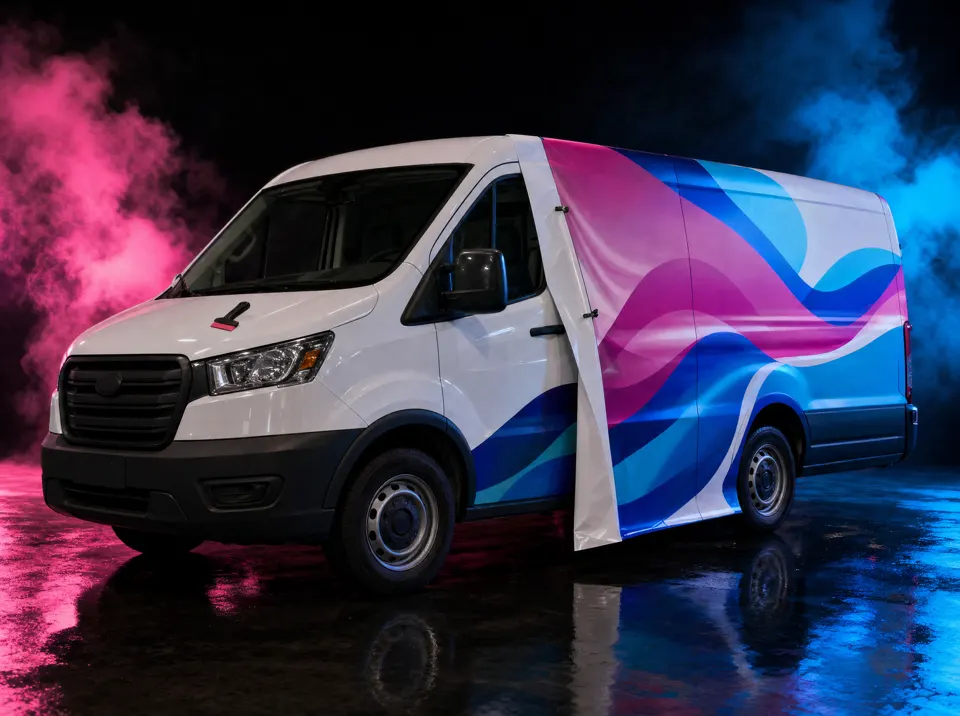
Vehicle wraps
The difficulty
Splitting the artwork into panels, calculating the overlap and explaining the installation order takes hours.
With Ultra-V Studio
The large piece becomes panels the size of the material, with the right overlap and the installation map.
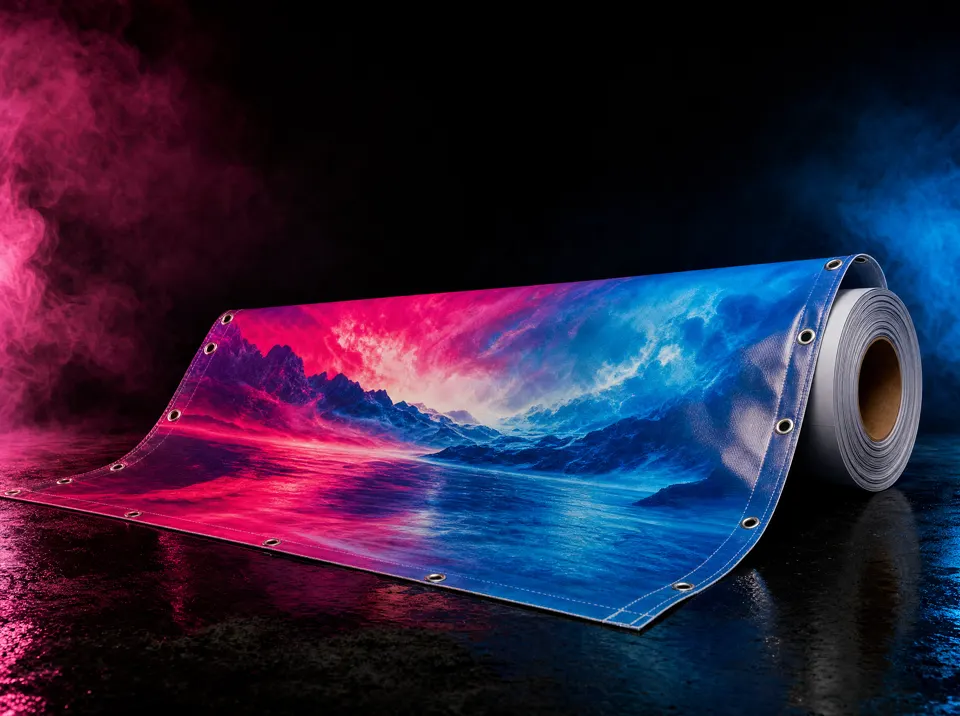
Banners and billboards
The difficulty
Large format needs the right size, hem, grommets and, when it exceeds the roll, splitting into parts.
With Ultra-V Studio
Hem and grommets in place, and a banner larger than the roll becomes panels; or it shrinks to fit, or you change the material.
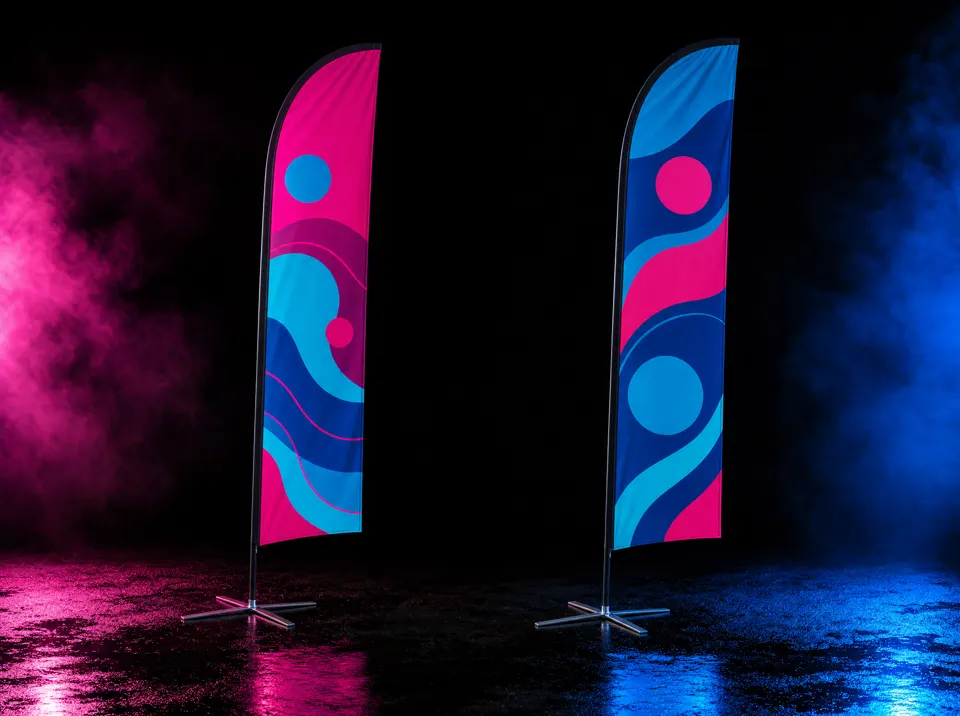
Feather flags
The difficulty
Fitting the artwork into each model's template and preparing the pieces without distorting the design.
With Ultra-V Studio
The artwork goes into the feather flag template, and file preparation nests and saves the pieces ready to produce.
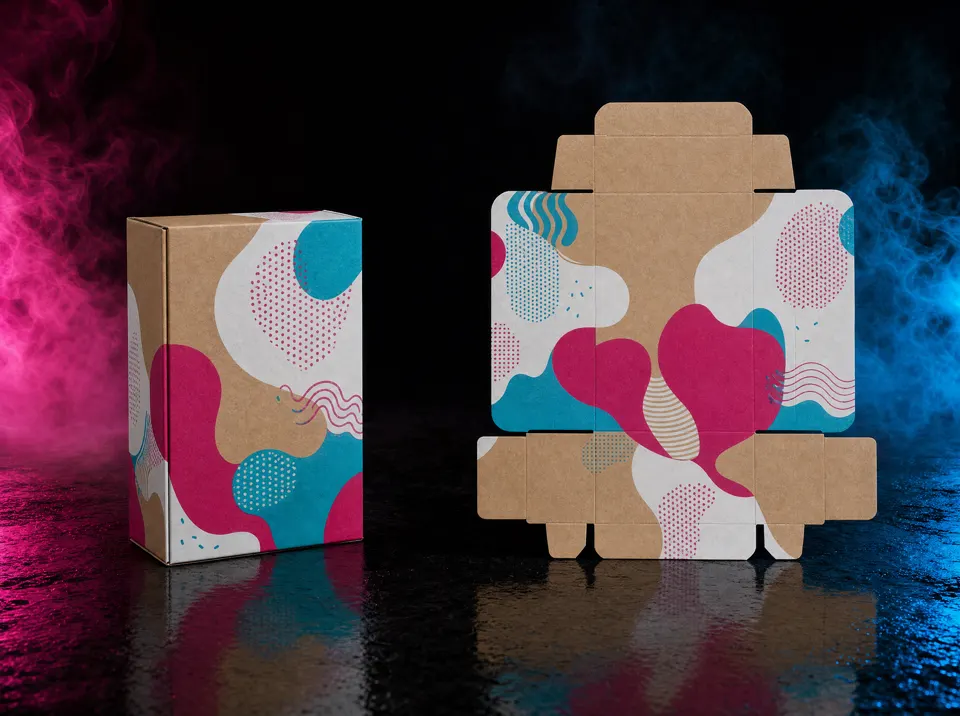
Boxes and packaging
The difficulty
Drawing the cut and crease lines for every size the customer asks for.
With Ultra-V Studio
Boxes by size already come with cut and crease lines; you apply the artwork and the file comes out ready.
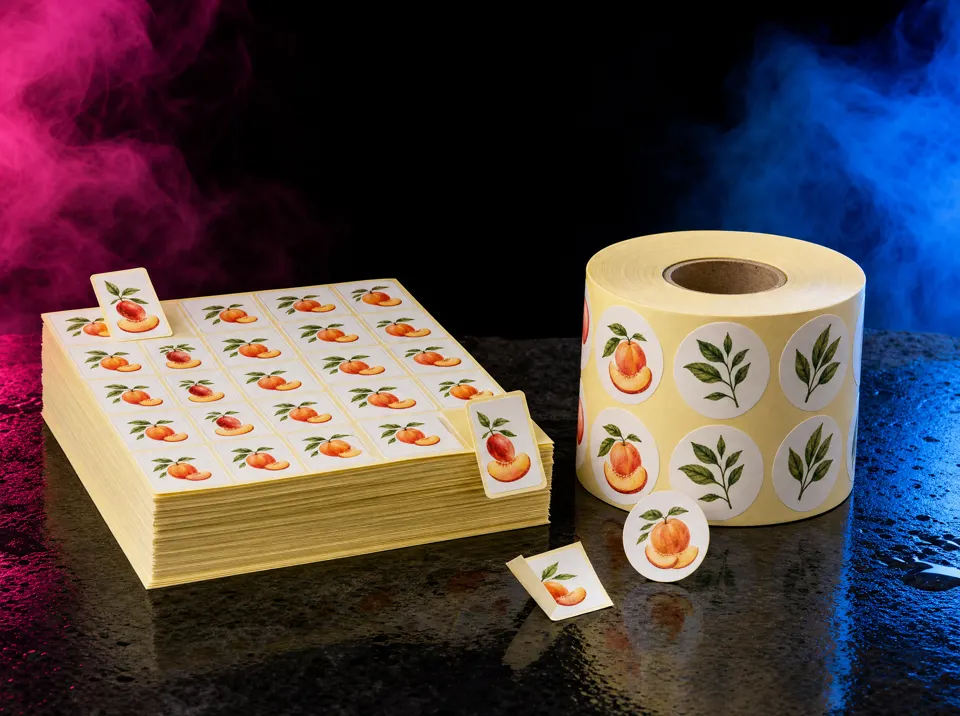
Labels and sticker sheets
The difficulty
Organizing hundreds of labels on the sheet or roll without wasting material.
With Ultra-V Studio
Nesting fits the labels with the best material usage and prepares the file for cutting.
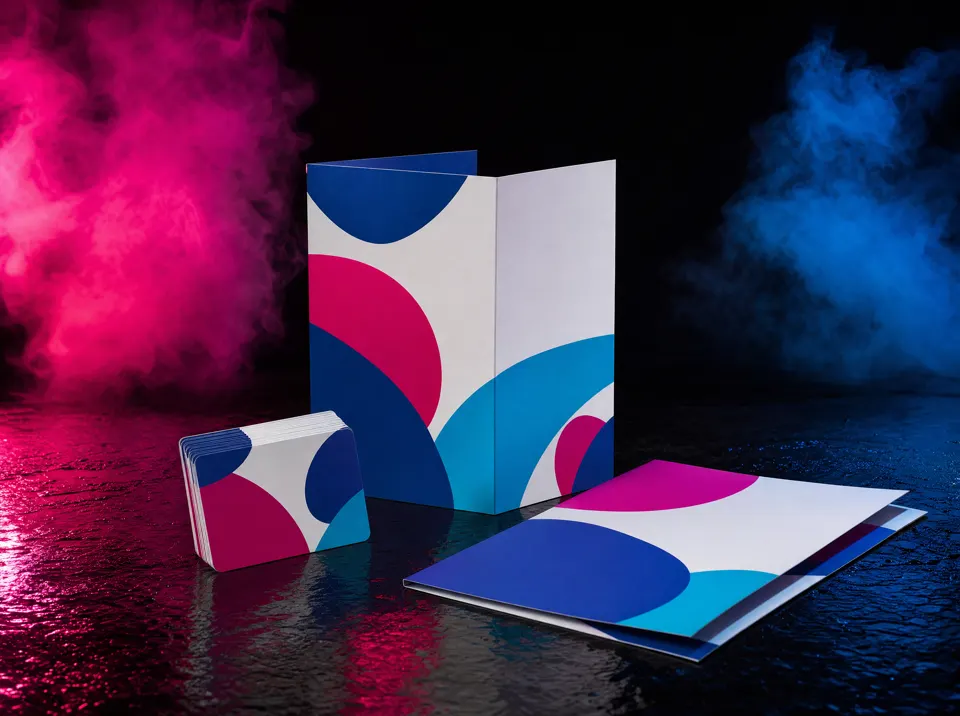
Business cards, folders and flyers
The difficulty
Bleed, crop marks and the right colors on every piece before sending it to the print shop.
With Ultra-V Studio
The sheet comes out with bleed, crop marks and CMYK colors, nested with good usage, and the file is checked before it is saved.
Your creativity deserves more time.
Ultra-V Studio brings professional design tools, artificial intelligence and print preparation features together in one place. Fewer repetitive tasks. Less rework. More productivity.
Create freely. Prepare intelligently. Produce with confidence.
Why Ultra-V Studio
Create like a designer. Automate like an industry. Produce without rework.
Time lost on repetitive tasks
The pain
“I spend more time adjusting files than creating artwork.”
With Ultra-V Studio
The contour cut comes out with one command, nesting fits the copies by itself with the best material usage, and AI vectorizes, removes the background and upscales the image right on the page.
Problems that only show up in production
The pain
“The artwork looks perfect on screen, but when it goes to production something goes wrong.”
With Ultra-V Studio
File preparation is inside the editor: cut line, white and varnish come out as spot colors, and every file is checked before it is saved. If something does not match, nothing is saved.
Changes that never end
The pain
“The customer asks for a simple change, but I have to redo dozens of pieces.”
With Ultra-V Studio
Names and numbers come in from a spreadsheet or the customer link and become the pieces by themselves. Changing a text or a color on every piece takes one command, and the customer approves each version online.
Who it is for
Ideal for businesses that make or sell:
Sublimated shirts
The shirt template ready, each piece in the right size, nested on the roll to print and cut.
Garment printing
The artwork, spot colors and the file the way production prints it.
Copy shops
Business cards, flyers, labels and numbered badges, nested on the sheet with less waste.
Offset printing
CMYK artwork, sizes in cm and the PDF checked before it goes to the plate.
Sign making
Banners with hem and grommets, tiles for large pieces and the cut line for the vinyl cutter.
Digital printing
Print and cut with registration marks, white and varnish for the RIP.
Who made it
An editor made by a digital printing company that knows the daily pains.
Ultra-V Studio was born at Ultra-V Print, a visual communication print shop in Rio de Janeiro, Brazil. Even though it was built with AI, it took more than 5 months of tuning and testing in real production, on our own printer, vinyl cutter and laser table, to deliver something that truly solves the problem. And if you need any adjustment, support is right inside the program.
- Since 1997printing in Rio de Janeiro. Ultra-V Studio prepares the files for our own production.
- 4.8 on Googlethe print shop's rating on its Business Profile, with more than 230 customer reviews.See the reviews on Google
- 99.6%material usage: 60 labels nested on a 107 cm roll.
- 1,000 labelsnested in 1 second, with the cut line in place, ready to print and cut.
Prepares files the way each machine reads them
- Cutting table (Zünd)
- Vinyl cutter (SignMaster)
- Vinyl cutter (Jinka Cut)
- Laser table with camera
- Router in PLT
- RIP with white and varnish
Opens and saves everyday formats
Opens CDR (versões X4 a 2023), AI, PDF, SVG, DXF, PLT/HPGL, EMF, WMF, DWF. Saves PDF, TIFF, JPG, PNG, PLT, SVG, DXF.
Who uses it
Contour cutters with optical reading, cutting right with Ultra-V Studio.
The file preparation inside Ultra-V Studio creates the registration marks and the cut file in the format the cutter reads. See it in customers' production:
“Aligned cut, everything just right.”Anderson · Toque Art, Maringá, Brazil
Jinka vinyl cutter and Mimaki UV printer
Now the A3 cutter cuts right.
Real case · support inside the programthe cutter could not read the file; through support, we started generating its format
See it working
Ultra-V Studio in action, on a real screen.
One minute with the essentials: artwork, signs, banners and team shirts with the customer's list. The full lesson explains every step, from the first click to the machine file.
The narration is in Brazilian Portuguese, with Portuguese captions.
Chapters of the full lesson
Design and print preparation, one program
What you create in Ultra-V Studio goes straight into print preparation.
Ultra-V Studio, to create and edit
- Vector editor with pages, layers and document tabs
- AI images right on the page
- Effects, gradients, patterns and text
- Measurements in cm, CMYK colors and spot colors
Print preparation, to produce
- Layout with the best use of the media
- Cut line, white and varnish for the RIP and the plotter
- Banners with hems and grommets, large pieces split into panels
- PDF, TIFF, JPEG and PLT the way the machine reads them
In Ultra-V Studio, print preparation is in the Production menu: the artwork on screen goes straight to the layout, with the cut line, the copies and the machine files.
What sets it apart
Here you don't have to go around in circles to open a file.
We work to make life easier for designers and custom product businesses.
Production-ready templates
Shirts, wind banners, flags, boxes by size, shipping boxes, ballot boxes and displays. Each piece becomes a page with the die line, and file preparation nests and saves the files.
Opens PDFs from any source
Got the artwork as a PDF? Open it in Ultra-V Studio and keep working, without going through another program.
Opens .cdr files directly
The .cdr file (versions X4 to 2023) opens in Ultra-V Studio as an editable document, with no need to export first.
From file to machine in one place
Open, adjust, prepare: the file comes out ready for the printer, vinyl cutter and laser table.
Color without surprises: CMYK in, CMYK out; RGB in, RGB out
The rule is simple and lives in the Color settings: the whole document follows one standard, and the file never comes out with mixed colors.
CMYK from start to finish
With the settings in CMYK, colors, palettes and images stay in CMYK, and the export comes out in CMYK for printing.
RGB from start to finish
With the settings in RGB, everything stays in RGB, including PANTONE colors, which become the closest RGB. Ideal for sublimation and screens.
Want to switch? Ultra-V Studio converts
Change from RGB to CMYK, or from CMYK to RGB, in the Color settings and the whole document is converted. A file that arrives in the other standard is converted automatically, with a notice.
Cut line, white and varnish never change
Technical production colors stay as separations, with the name the RIP recognizes, in any setting.
Shirt templates
No more copying names and numbers from chat messages into the artwork.
Anyone who makes custom shirts knows it: the customer sends the list as voice notes, screenshots and scattered messages; a name comes wrong, a size is missing, and the mistake only shows up after the shirt is printed.
With Ultra-V Studio, you send a link and the customer fills in the list.
1. You create the link
In the shirt template, choose the artwork fields (name, number, whatever you need) and generate the link for the customer.
2. The customer fills it in
They open it on their phone, enter the size, name, number and quantity of each shirt, and see a live preview with your artwork and your fonts.
3. The customer checks and approves
They check shirt by shirt and approve. Who approved and when is recorded, and the approved version no longer changes.
4. Ultra-V Studio builds the grid
The list arrives in the program and becomes the finished grid, each piece in the right size, ready to print and cut.
No retyping, no swapped names, and the customer's approval saved in case anyone asks later.
Create
Everything print shop artwork needs, in an editor made for production.
Complete vector drawing
Curves, nodes, shapes, text, text on a path, PowerClip, weld, trim and intersect, with rulers, guides and snapping.
Effects for production artwork
Drop and inner shadow, block shadow, blend, contour, extrude, envelope, perspective, repeating and mirrored gradients, two-color pattern and dot mosaic.
AI images inside the editor
Create an image, a background or an element, remove the background, upscale and split the artwork into layers, right on the page. Everything the AI creates is kept in your library.
Print shop features
Barcodes (EAN, UPC, Code 128), QR Code, print merge with a spreadsheet and numbering for raffle tickets, badges and numbered labels, product templates.
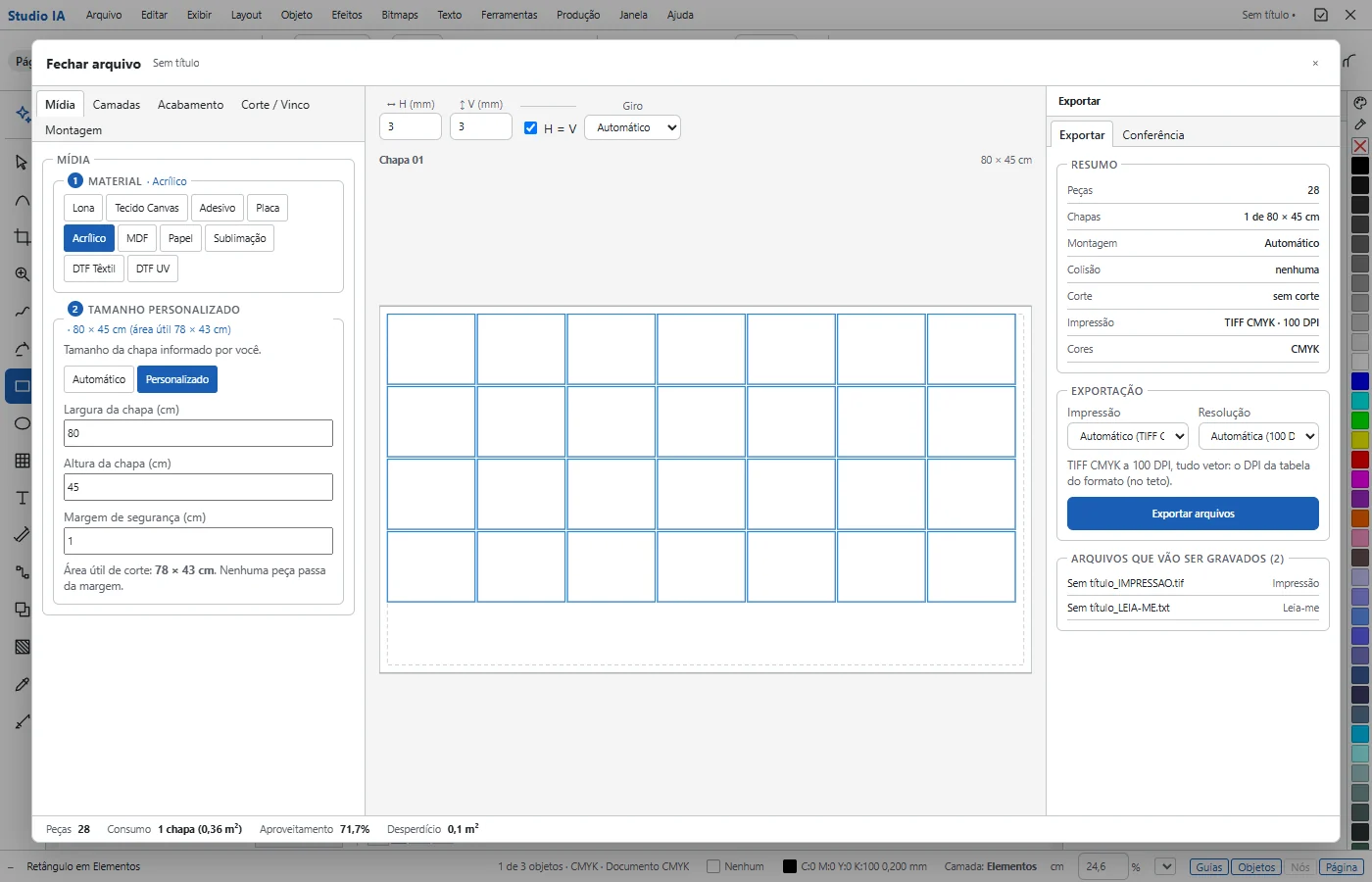
Prepare
Print file preparation built into the editor.
Without leaving Ultra-V Studio, the artwork becomes production: choose the material, the layer, the finishing and the cut, and the program lays out, checks and saves the files for the printer and the plotter.
Layout with material usage
Copies nested on the roll, the sheet or the board, with consumption and material usage on screen.
Cut line, white and varnish
The cut line as a spot color, white and varnish with the name the RIP reads, ready for the printer and the plotter.
Large pieces
A banner wider than the roll becomes panels with the right overlap and the installation map; or it scales down to fit, or you change the media.
Checked before saving
Every generated file is read again: the cut line in place and to size, the page and the image at the right size. If anything does not match, nothing is saved.
Plans
One plan. Design, print preparation and the machine files.
Annual
- Complete Ultra-V Studio
- Online in the browser, and for Windows on 1 computer
- All updates during the period
- Support inside the program
- PIX or card in up to 12 installments
One-time payment, no automatic renewal.
Monthly
- Complete Ultra-V Studio, online
- 2 users at the same time
- Charged automatically to your card
- No commitment: cancel anytime
The Windows program comes with the annual plan.
AI image actions use credits, bought separately inside the program; new accounts get welcome credits. 7-day right of withdrawal on every online purchase (Brazilian Consumer Protection Code, art. 49).
Questions
Frequently asked questions about Ultra-V Studio
What is Ultra-V Studio?
Ultra-V Studio is a vector graphic design program with AI images and print file preparation built in. You create the artwork and, in the same program, nest the copies, add the cut line, white and varnish, and save the files for the printer, vinyl cutter or laser table. It runs in the browser and on Windows.
I am a designer and send artwork to a print shop. Is Ultra-V Studio for me?
Yes. Ultra-V Studio has the tools of a graphic editor plus a print file preparation module. Before you send it, it checks page and image size, colors, print layers and the cut line, and saves the PDF the way the print shop prints it. So you can be sure the artwork will be printed exactly as your file.
How does the customer send the list of names and sizes for the shirts?
Through the customer link. In the shirt template, Ultra-V Studio generates a link; the customer opens it on their phone, fills in size, name, number and quantity for each shirt, sees the preview with the artwork, checks and approves. The approved list arrives in the program and becomes the grid ready to print and cut.
Which files does Ultra-V Studio open?
Ultra-V Studio opens CDR (versões X4 a 2023), AI, PDF, SVG, DXF, PLT/HPGL, EMF, WMF, DWF, and each file becomes an editable document. For production, it saves PDF, TIFF, JPG, PNG, PLT, SVG, DXF.
Does Ultra-V Studio mix RGB and CMYK in the same file?
No. The Color settings rule the whole document: in CMYK, everything stays and exports in CMYK; in RGB, everything stays and exports in RGB. To switch, change the settings and Ultra-V Studio converts the document. Files that arrive in the other standard are converted automatically, with a notice, and the cut line, white and varnish stay as separations.
Which machines does Ultra-V Studio prepare files for?
Printers with a RIP (with white and varnish as spot colors), vinyl cutters such as SignMaster and Jinka Cut, cutting tables such as Zünd, laser tables with a camera and routers that read PLT. The cut line comes out as a spot color with the name the RIP recognizes.
Does it run on Windows or only in the browser?
Both. The annual plan includes Ultra-V Studio online and the Windows 10 and 11 program on 1 computer. The monthly plan is online, in the browser, with 2 users at the same time.
How much does Ultra-V Studio cost?
The annual plan is R$ 497 for 1 year, a single payment by PIX or card in up to 12 installments. The monthly plan is R$ 49,90 every 28 days, by card, with no commitment. You can try it free for 7 days, with just a sign up and no card. AI image actions use credits bought separately.
Which fonts does Ultra-V Studio use?
The fonts installed on your computer. On Windows, the program reads the system fonts; in the browser, it asks permission to use your computer's fonts.
I already used the online file preparation. What changes?
File preparation now lives inside Ultra-V Studio, in the Production menu. Sign in with the same email and password and keep your plan.
Who made Ultra-V Studio?
Ultra-V Print, a visual communication print shop in Rio de Janeiro, Brazil, printing since 1997 and using Ultra-V Studio in its own production.
Watch Ultra-V Studio live before you decide.
Join the WhatsApp group for live demos: we show the program doing real jobs and you get your questions answered on the spot. Free, no commitment.